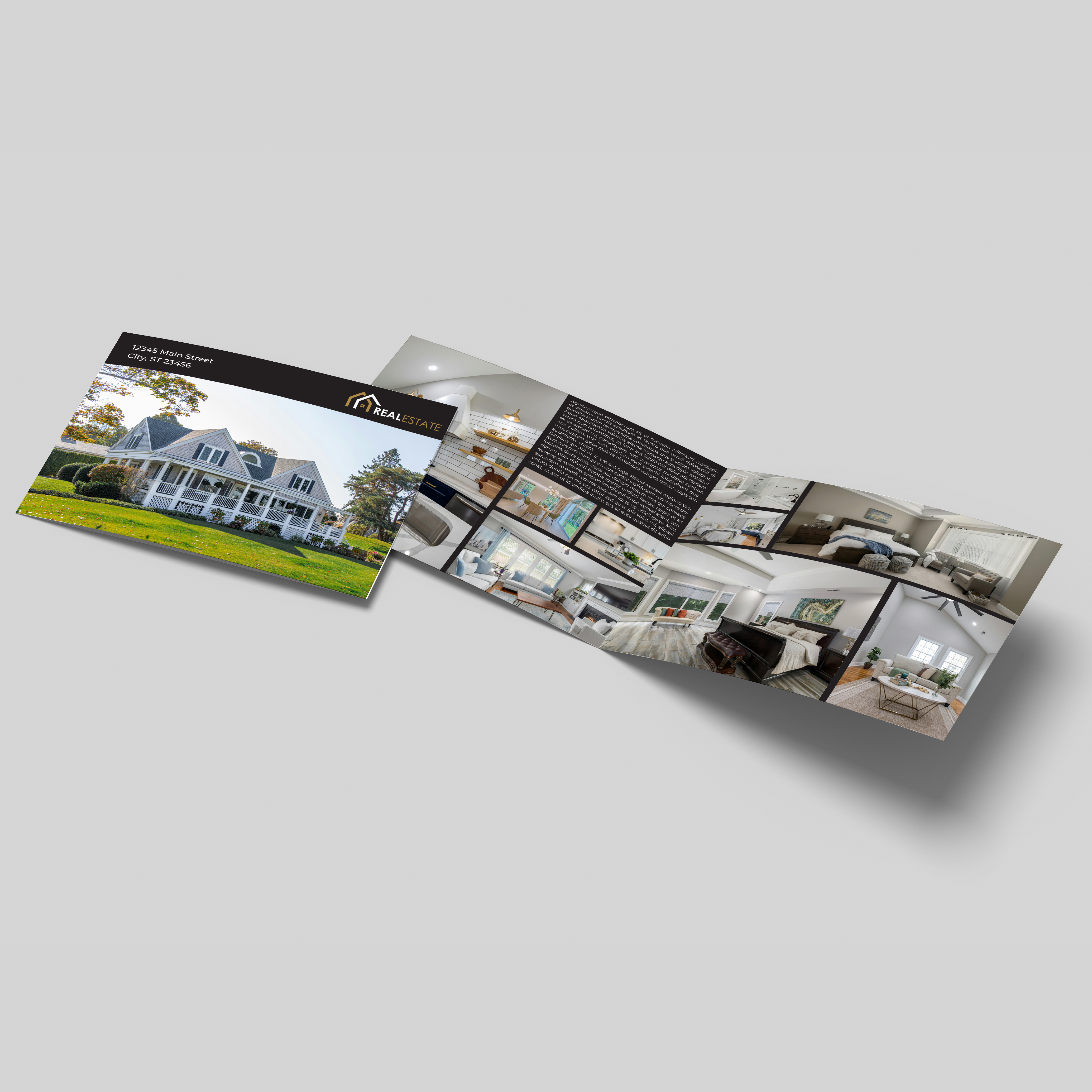
Premium Real Estate Listing Brochures in Chantilly, VA
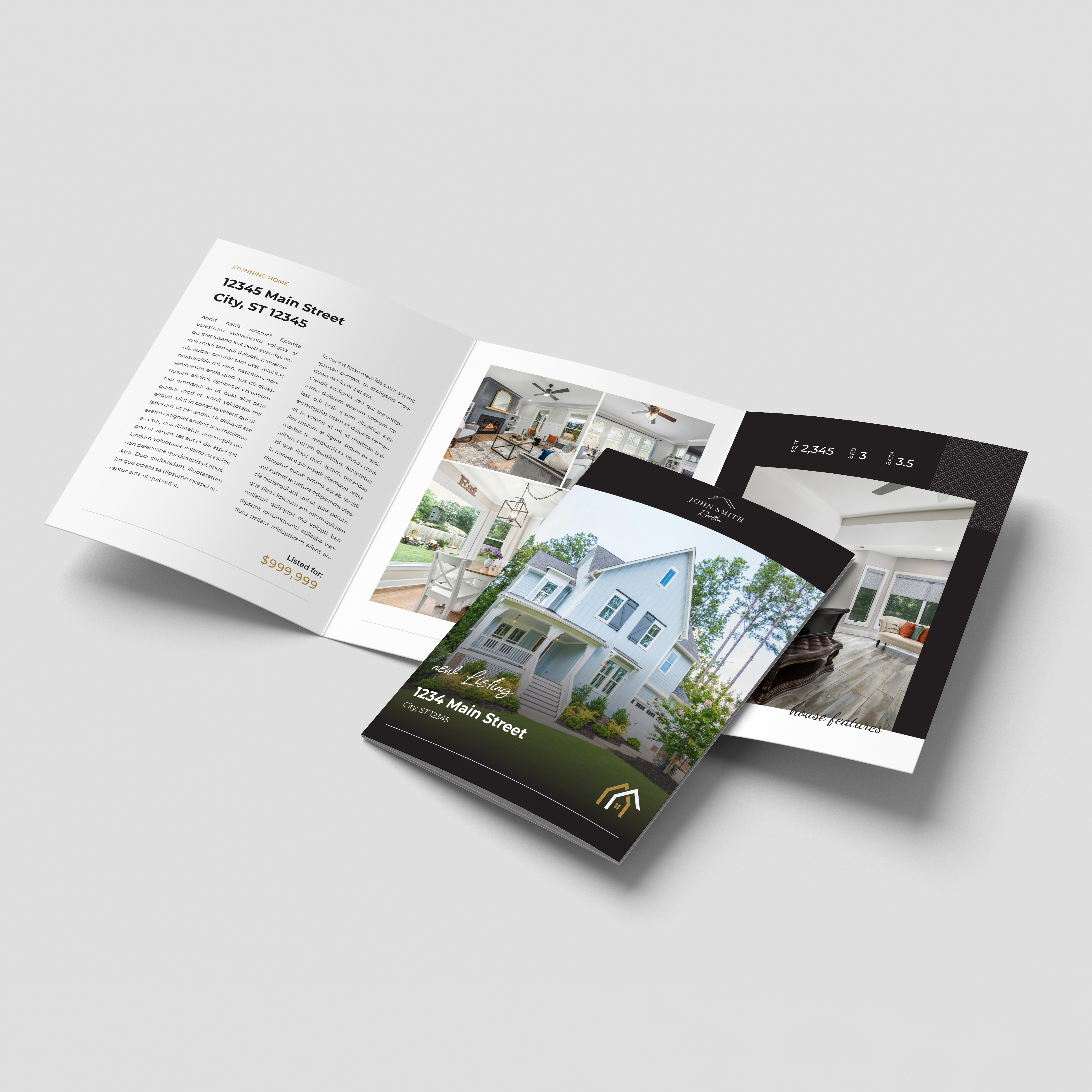
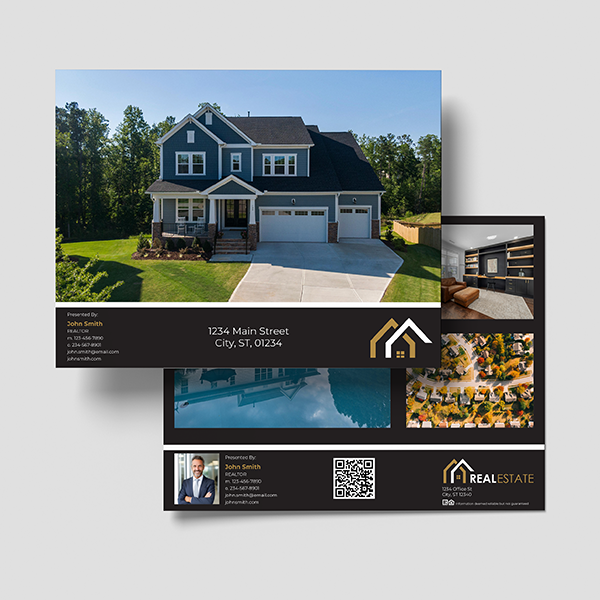
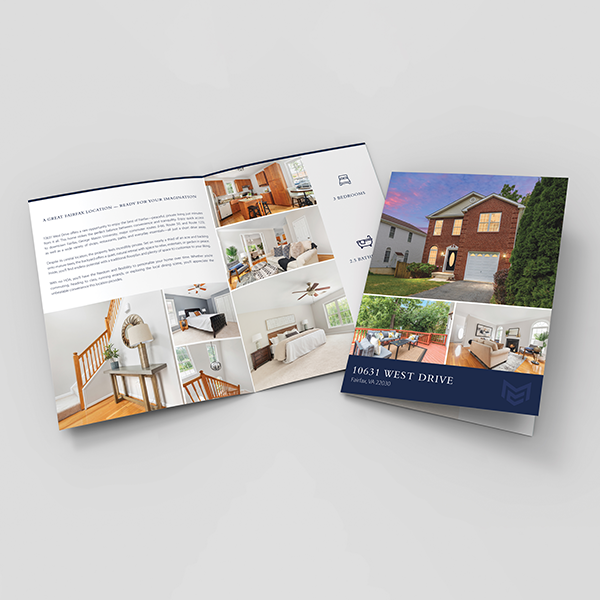
Give your property photography room to tell the story with premium listing brochures from Minuteman Press in Chantilly, VA. Designed for real estate marketing, these brochures bring together interior photographs, architectural details, floor plans, and agent information in a presentation buyers can take home and explore.
A Wide Format for Property Photography
The 22" × 8.5" unfolded format folds to 11" × 8.5", creating a landscape presentation with room for expansive images and organized property details. Use the layout to showcase living spaces, outdoor features, and the details that make your listing distinctive.
Choose Your Page Count
Select 4, 8, 12, or 16 pages to match the amount of information you want to share:
4 Pages: A focused introduction with key photographs, property highlights, and contact information.
8 Pages: Additional space for room-by-room features and supporting details.
12 Pages: Room to include floor plans, neighborhood information, and more photography.
16 Pages: An extended presentation for properties with a larger collection of images and features.
111# Gloss Cover Stock
Printed on 111# Gloss Cover — Standard, these brochures offer a substantial feel and glossy finish for a professional property presentation.
Optional UV Coating
Select optional UV coating to add a finishing touch to your listing brochure.
Perfect For
Luxury home and distinctive property listings
Open houses and private showings
Agent and broker marketing packages
New development presentations
Architectural and interior photography showcases
Buyer information packets
Create a property brochure that supports your listing beyond the showing. Choose your page count and optional UV coating to get started with Minuteman Press in Chantilly.
Premium Listing Brochures (Real Estate Marketing)
Choose the Next Step for Your Print...
Design Guidelines
To start, select the product size, preview the design guidelines, download the guidelines for reference, and proceed with the customization options.